Before You Buy an AI Agent for Sales Outreach
Before You Buy an AI Agent for Sales Outreach
The demo is easy. The operating system behind it is not.
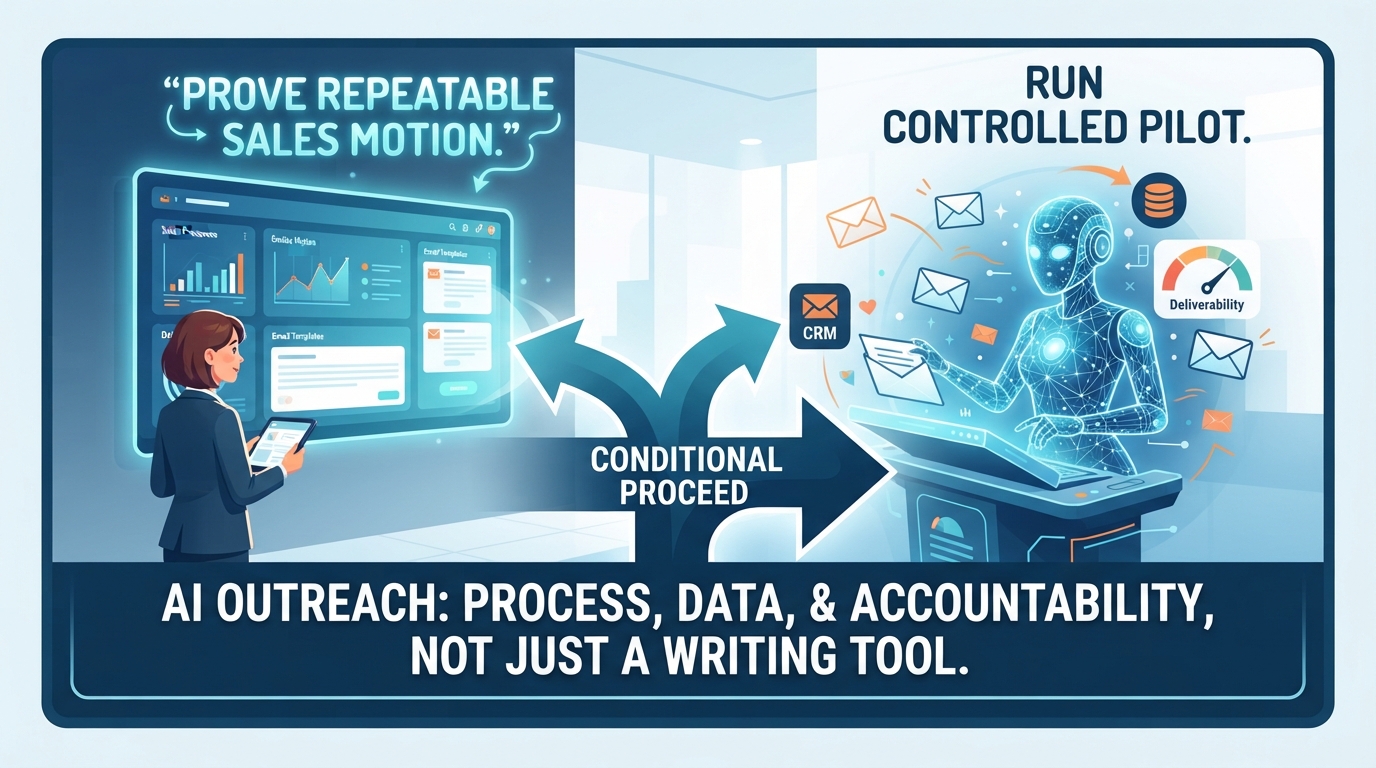
An AI outreach agent can reduce repetitive work, but it will not repair unclear qualification rules, weak offers, incomplete records, or a poor sender reputation. For most small businesses, the right decision is a conditional proceed: first prove that the sales motion is repeatable and measurable, then run a tightly controlled pilot on one low-risk segment.
The decision
You are deciding whether to use an AI-enabled tool to draft or send initial emails, follow-ups, lead-routing notes, and CRM updates.
The promise is real: faster acknowledgement of inbound interest, more consistent follow-up, and more time for people to handle conversations that need judgment. But this is not principally a writing-tool decision. It is a process, data, deliverability, and accountability decision.
Proceed only if you can answer four questions:
Which leads may the system contact, and which must remain human-led?
What information and rules will it use to decide the next action?
Who reviews outputs, handles exceptions, and can stop the workflow?
How will you know that it improved a business outcome—not merely the number of emails sent?
Why the offer is attractive
A sales team can lose opportunities when inbound leads wait too long for a useful first response or when follow-up is inconsistent. An agent can help standardize routine work: acknowledge an inquiry, collect missing information, route a lead, prepare a first draft, or trigger an approved sequence.
The demo, however, usually shows the best case: complete records, a clear ideal-customer profile, clean brand guidance, and no unusual requests. Production contains the exceptions. A prospect may be a competitor, a current customer with a support issue, a regulated buyer, a strategic account, or someone who previously opted out. Your workflow must detect and safely route those cases.
What must be true first
A documented sales motion
Write the workflow before configuring the agent. Define the lead segments, qualification criteria, permitted claims, approved offers, cadence, stop conditions, handoff owner, and maximum human-response time after escalation.
A useful test: take ten recent leads and ask two team members to determine the next step using only the written playbook. If they reach different conclusions, resolve that ambiguity before automating it.
Fit-for-purpose data
Do not treat a universal field-completion percentage as an AI readiness rule. Instead, test whether the fields required for each action are present, current, and reliable. For a company-level first-touch workflow, those may include contact identity, company, email permission or outreach basis, segment, owner, source, prior-contact status, and suppression status.
Run a small record audit. Export a representative sample—such as the last 100 to 500 leads—and count missing values, duplicates, stale ownership, inconsistent source labels, and contacts that should not be messaged. The result is a scoping input, not a pass/fail score.
Concrete failure example: if a duplicate record has an old “not interested” note and a newer inbound form submission, an agent without deduplication and precedence rules could send an inappropriate follow-up. The issue is not that the model wrote an awkward sentence; it is that the workflow received conflicting instructions.
A real control owner
Name an accountable business owner, normally the sales leader or owner-operator. That person should approve audience rules and templates, review exceptions, own the stop switch, and decide when the agent may expand to a new segment.
NIST’s AI Risk Management Framework is voluntary guidance for incorporating trustworthiness considerations into the design, development, use, and evaluation of AI systems. Apply that idea practically: document the intended use, foreseeable failure modes, controls, and monitoring plan before launch. [nist]
Deliverability and compliance are decision factors
Automating cold or promotional email changes more than volume. It can affect inbox placement, domain reputation, customer trust, and legal exposure. More messages are not a win if recipients mark them as spam or if your domain’s routine business email begins landing in junk folders.
Google advises all senders to use SPF or DKIM; bulk senders to Gmail—more than 5,000 messages per day to Gmail accounts—must use SPF, DKIM, and DMARC. Google also says to keep Postmaster Tools spam rates below 0.10% and avoid 0.30% or higher; it recommends increasing volume gradually and monitoring reputation, delivery, and recipient feedback. [gmail]
For U.S. commercial email, CAN-SPAM applies to B2B email as well as consumer email. Requirements include accurate header information and subject lines, a valid postal address, a clear opt-out mechanism, and honoring opt-out requests within 10 business days. Hiring a vendor does not transfer the advertiser’s responsibility for compliance. [tfc]
If you market to people in the UK, do not assume U.S. rules are sufficient. The UK ICO says direct-marketing planning should address applicable data-protection and PECR requirements; marketing by electronic mail to individual subscribers generally requires consent unless an exception applies. Business email addresses can still be personal data when they identify an individual. [ico]
This article is operational guidance, not legal advice. Have qualified counsel review your audiences, jurisdictions, data sources, and message practices before launch.
Pilot instead of purchase-first
Use a 30- to 60-day pilot, not a broad rollout. Choose one segment with a clear purpose and limited downside—for example, timely acknowledgements to new inbound demo requests, with human approval before any nonstandard reply. Do not begin with strategic accounts, sensitive industries, former customers with unresolved issues, or a purchased list.
Set the baseline before activating the tool:
Median time to first meaningful response
Contact rate and qualified-meeting rate by lead source
Opportunity creation or conversion rate for the selected segment
Bounce rate, spam complaints, unsubscribe rate, and delivery failures
Number and type of escalations, overrides, and workflow errors
Predefine a pause condition. For example: stop the pilot if an opt-out is missed, a restricted contact is messaged, a material factual claim is wrong, delivery metrics deteriorate, or human reviewers see a repeated failure pattern. The exact thresholds should reflect your volume, risk tolerance, and email provider guidance.
Costs: model them as assumptions
Vendor price alone is an incomplete comparison. Implementation effort depends on record quality, CRM complexity, number of integrations, approval design, and how many message variations are needed. Rather than presenting generic hours as facts, estimate these items for your own environment and label them as assumptions:
Cost component
Questions to estimate
Software
What are the subscription, contact-volume, API, seat, and onboarding fees?
Data remediation
How many records need deduplication, suppression checks, normalization, or enrichment review? Who owns that work?
Configuration
Which CRM fields, webhooks, routing rules, and permissions need testing?
Content and controls
Who writes approved templates, prohibited claims, escalation rules, and brand guidance?
Monitoring
Who samples output, investigates complaints, updates rules, and maintains a suppression list?
Exit
Can you export data, prompts, activity logs, and configurations? What happens at cancellation?
Worked example
Suppose a business receives 300 eligible inbound leads per month, converts 4% to qualified opportunities, and averages a 24-hour first response. That is 12 qualified opportunities per month at baseline.
If a pilot improved the qualified-opportunity rate to 5%, the change would be 3 additional qualified opportunities per month—not “AI-generated emails” or hours saved. Whether that value exceeds software, implementation, monitoring, and risk costs depends on the business’s historical opportunity-to-close rate and contribution margin. Treat this as a scenario, not a forecast: the pilot must test the assumption.
Questions for the vendor
Ask these in this order, and get answers in writing.
Failure and escalation: What does the system do with missing data, conflicting CRM notes, low-confidence classifications, replies requesting removal, complaints, or unrecognized intents? Can it be configured to stop rather than guess?
Data and security: What data does it access, retain, and export? Is customer data used to train shared models? What are the deletion, audit-log, permission, and subcontractor terms?
Compliance and deliverability: How are opt-outs synchronized across systems? Does it support suppression lists, sender authentication, rate controls, and activity logs? What responsibilities remain with us?
Human controls: Can we require approval for templates, segments, high-value accounts, and specific messages? Who can immediately pause sending?
Measurement: Which business metrics can it report, and how will it distinguish an agent-influenced result from normal pipeline variation?
Implementation: What fields, permissions, integrations, and customer effort are required? What acceptance tests will prove the workflow works?
Commercial terms: What is included, what is usage-based, and what are the pilot, cancellation, support, and data-export terms?
Go, no-go, and conditional proceed
Go with a controlled pilot when:
The selected use case is narrow, repeatable, and low-risk
Required CRM fields and suppression status are sufficiently reliable for that use case
Your team has written qualification, routing, escalation, and messaging rules
Sender authentication, opt-out handling, and reputation monitoring are in place
A named owner has time and authority to review outputs and pause the system
You have a baseline and a defined success measure
Do not proceed yet when:
The agent would be expected to decide ambiguous or sensitive cases without a human
Your CRM cannot reliably identify duplicates, prior opt-outs, owners, or lead status
You cannot explain the permitted audience or the legal basis for contacting it
No one owns monitoring and exception handling
You are using automation as a substitute for fixing poor lead quality, unclear positioning, or an inconsistent sales process
A valid alternative is to do nothing for now. If current response times are acceptable, margins are healthy, and outreach volume is low, keeping the process human-led may be the better risk-adjusted choice. Other options include CRM routing, lead alerts, approved templates, and simple trigger-based sequences—often enough to expose whether the bottleneck is follow-up discipline, lead quality, or capacity.
The next action
Open your CRM and export the last 500 leads, or the largest representative sample available. In a spreadsheet, add columns for: contact name, company, email, source, owner, lead status, last activity, opt-out/suppression status, and duplicate flag.
Count the blank, conflicting, stale, and suppressed records. Then write a one-page workflow for a single segment: eligibility, first action, allowable message, stop conditions, handoff rule, and owner. If that document is clear and the data supports it, take it to vendors as the specification for a limited pilot—not as a problem for the vendor to invent around.
Sources
[nist]: NIST, AI Risk Management Framework
[gmail]: Google, Email sender guidelines
[ftc]: Federal Trade Commission, CAN-SPAM Act: A Compliance Guide for Business
[ico]: UK Information Commissioner’s Office, Plan direct marketing