Beyond the Buzz: Practical AI for Your Small Business Finances (Systems First)
Beyond the Buzz: Practical AI for Your Small Business Finances (Systems First)
Introduction
Let's be honest: Managing your business finances – from bookkeeping to invoicing to deciphering those monthly reports – often feels like a necessary chore. It's a rhythm many of you have settled into, a set of habits and processes, maybe even spreadsheets, that have become deeply ingrained over the years. You know how it works, even if it's not perfect.
Now, add 'AI' to the mix, and suddenly it feels like another thing you should be doing, another complex system to learn, another disruption to your established patterns. The truth is, that feeling is entirely normal. Breaking away from what’s familiar, even if it’s inefficient, takes conscious effort. We get used to the way we do things, and retraining our thinking to leverage new tools like AI isn't an overnight switch.
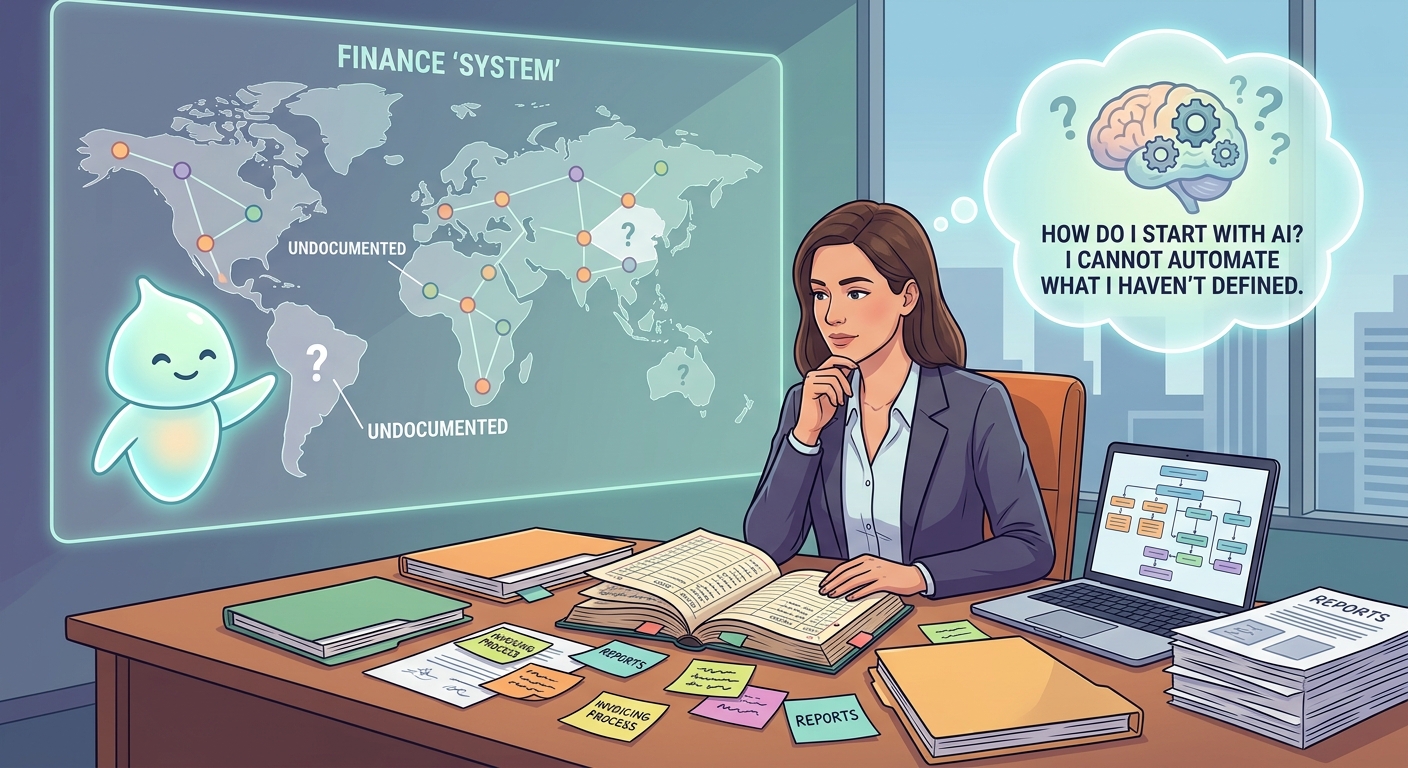
My role here isn't to sell you on the latest shiny AI tool. It's to help you navigate this landscape with a pragmatic, systems-first approach. We're going to talk about how AI can genuinely help your finance and accounting, but only after we've acknowledged the real work of understanding and documenting your current processes. Because you simply cannot automate what you haven't first clearly defined.
Readiness Check
How clearly documented are your core financial processes (e.g., invoicing, expense tracking, monthly reconciliation)?
A. Mostly in my head, or scattered notes (Not ready for AI, focus on documentation)
B. Some steps are documented, but not fully comprehensive (Ready for AI Literacy, with a documentation focus)
C. Fully documented, clear steps for almost everything (Ready for AI Integration)
Solutions by Implementation Level
1. Streamlining Bookkeeping with AI-Powered Accounting Software
Level: AI Literacy
This is your foundational step. Instead of starting from scratch, leverage the AI features already built into popular accounting software. These tools are designed to automate repetitive tasks like transaction categorization, reconciliation, and expense tracking. The 'system' here is your daily financial flow; AI helps standardize and accelerate it, reducing manual errors and freeing up valuable time. But remember, the AI learns from your initial categorization – if your internal rules aren't clear, the AI will learn the wrong things.
Implementation Details:
Timeline: 4-8 hours for initial setup and training (depending on data volume), ongoing 1-2 hours/week for review.
Cost: $19-$137.50/month (QuickBooks, Xero) + 4-8 hours internal setup time.
ROI: Saves 5-10 hours/month on manual data entry and reconciliation, reduces errors. At $30/hour, that's $150-$300/month savings, easily 3x the cost.
Failure Rate: 15% struggle with initial setup or trust issues, often due to unclear existing categorization rules. 5% may need a fractional bookkeeper for initial training.
Action Steps:
Document Your Current Categorization Rules: Before touching software, list how you categorize common expenses and income. This is critical for training the AI effectively.
Choose a Tool: Evaluate options like QuickBooks with Intuit Intelligence, Xero (with its upgraded AI features), or Digits (AI-native bookkeeping). Many offer free trials.
Connect Bank Accounts & Train: Link your bank and credit card accounts. Review and correct AI categorizations diligently for the first few weeks. The more you correct, the smarter it gets.
Set Up Automated Rules: Once the AI has learned your patterns, configure specific rules for recurring transactions to truly automate.
Recommended Tools:
QuickBooks with Intuit Intelligence - $19-$137.50/month
Xero (AI Features) - Varies by plan
Digits (AI-Native Accounting) - Free trial, then custom pricing
Protective Warning: Don't blindly trust the AI. Initial categorization errors can snowball. Treat the AI as a highly efficient assistant, not a fully autonomous accountant. Always review its work, especially for the first few months. Garbage in, garbage out applies fiercely here. If your internal categorization system is messy, the AI will just automate the mess.
2. Automating Invoicing and Bill Pay with AI Assistance
Level: AI Literacy
Beyond basic bookkeeping, AI can significantly improve your cash flow by automating invoicing and streamlining bill payments. This isn't just about sending out invoices; it's about embedding intelligence into your entire accounts receivable and payable cycle. The 'system' here is your cash flow management – getting money in and making sure bills are paid correctly and on time, without constant manual oversight. AI helps enforce your payment terms and approval workflows.
Implementation Details:
Timeline: 2-5 hours for setup and rule configuration. Ongoing 1 hour/month for review.
Cost: $0-$50/month (often included in accounting software plans, or specific add-ons like Digits AI Bill Pay).
ROI: Reduces overdue invoices by 10-20% (faster cash flow), saves 3-5 hours/month on manual invoice creation/chasing/bill processing. At $30/hour, that's $90-$150/month savings, plus improved cash flow.
Failure Rate: 10% encounter issues with payment gateway integrations or incorrect invoice details. 5% struggle with defining clear approval processes for automated bill pay.
Action Steps:
Map Your Invoicing & Bill Approval Process: Who approves what? What are your payment terms? How do you currently follow up on overdue invoices? Document these steps clearly.
Leverage Existing Software Features: Explore the AI-driven invoicing, payment reminders, and bill pay features within QuickBooks, Xero, or dedicated tools like Digits AI Bill Pay (References: [4], [11]).
Set Up Automated Reminders & Workflows: Configure the system to automatically send payment reminders based on your documented terms. For bill pay, establish clear approval thresholds before automation.
Monitor & Refine: Regularly check your accounts receivable and payable reports. Adjust reminder schedules or approval workflows as needed to optimize cash flow and prevent errors.
Recommended Tools:
QuickBooks (Invoicing/Bill Pay) - Included in subscription
Xero (Invoicing/Bill Pay) - Included in subscription
Digits AI Bill Pay - Free trial, then custom pricing
Protective Warning: Never set up automated bill pay without a robust, human-centric approval process in place. A single incorrect payment can lead to significant headaches. Similarly, ensure your invoicing details (products, services, rates) are accurate before automating. A 'set it and forget it' mentality here is dangerous; 'set it and regularly review it' is the smarter approach.
3. Enhanced Financial Analysis & Reporting with Claude (LLM Integration)
Level: Integration
Once your core data is cleaner thanks to AI-powered bookkeeping, you can move to more sophisticated analysis. This isn't about replacing your accountant; it's about empowering yourself or your operations manager with deeper, faster insights. The 'system' here is your decision-making process. Instead of just looking at standard reports, you're using an LLM like Claude to extract nuanced trends, identify anomalies, or generate custom summaries from your exported financial data. This is a practical, low-cost integration of an external AI into your existing workflow.
Implementation Details:
Timeline: 4-6 hours initial setup (learning data export, prompt engineering), ongoing 1-2 hours/month for analysis.
Cost: $20-$40/month (Claude Pro) + 4-6 hours internal setup time.
ROI: Saves 5-8 hours/month on manual report generation or deeper analysis, leading to better, faster business decisions. At $30/hour, that's $150-$240/month savings, plus the value of improved insights (e.g., identifying cost savings, revenue opportunities). Easily 3x the cost.
Failure Rate: 25% struggle with effective prompt engineering or data formatting, leading to irrelevant or inaccurate results. 10% may face data privacy concerns if not handled carefully.
Action Steps:
Standardize Data Export: Document the exact steps to export key financial data (e.g., P&L, balance sheet, transaction details) from your accounting software into a clean CSV or spreadsheet format.
Learn Basic Prompt Engineering: Understand how to ask Claude clear, specific questions about your data. Start simple: 'Analyze this P&L for major expense increases quarter-over-quarter.' (Prefer Claude due to its context window and reasoning capabilities for data analysis.)
Upload & Analyze (Securely): Use Claude (e.g., Claude.ai) to upload your anonymized or non-sensitive financial CSVs. If data privacy is a concern, summarize key figures manually before inputting to the LLM. Ask for trend identification, anomaly detection, or custom report summaries. (Reference: [15] - hint at using 'notebooks' for clients, which aligns with Claude's long context window.)
Verify & Act: Always cross-reference Claude's generated insights with your raw data and your own business understanding. Use these insights to inform strategic decisions.
Recommended Tools:
Claude (by Anthropic) - $20-$40/month (Pro plan)
Your existing accounting software - Already paid
Google Sheets / Microsoft Excel - Free/Included
Protective Warning: Data privacy is paramount. Do NOT upload highly sensitive, personally identifiable financial data to public LLMs without extreme caution or anonymization. Always verify any insights or calculations provided by an LLM against your source data. LLMs can 'hallucinate' or misinterpret data if prompts are unclear or data is messy. Treat it as a powerful brainstorming partner, not a definitive financial analyst.
Real-World Example
Type: success
Business: Small Marketing Agency (12 employees)
Situation: Their operations manager spent 10-15 hours/month manually reconciling expenses across multiple bank accounts and credit cards, categorizing them, and chasing down missing receipts. Invoicing was also a manual process, leading to inconsistent payment terms and late payments.
Approach: First, they spent a week documenting their existing expense categorization rules and their invoicing workflow. Then, they upgraded their QuickBooks subscription to leverage its AI features for automated categorization and integrated it with a receipt scanning tool. They also configured automated invoice generation and payment reminders through QuickBooks.
Result: Expense reconciliation time dropped by 70%, freeing up 7-10 hours/month. Automated payment reminders reduced their average invoice payment time by 5 days, significantly improving cash flow. The operations manager can now focus on higher-value tasks like project profitability analysis. The initial investment of time and the QuickBooks upgrade easily delivered a 5x ROI within 3 months.
Lesson: Documentation first was key. By having clear rules for categorization, the AI learned faster and more accurately. The small investment in process clarity paid off massively when paired with the right technology.
Systems Thinking Insight
The deepest challenge in adopting new technologies like AI isn't the technology itself; it's the human element. Our current systems – how we categorize expenses, how we chase invoices, how we review reports – are often just deeply ingrained habits. These habits, repeated daily or weekly, become the 'system' of your business, even if they're inefficient. When you introduce AI, you're not just adding a tool; you're asking people (including yourself) to break those patterns, to rethink a fundamental way of working. This is why documenting your current process before even considering automation is non-negotiable. You need to see the 'system' as it is, understand its flaws, and then intentionally design how AI will integrate into a new, improved system. Expect resistance, expect falling back into old patterns – it's normal. The goal isn't perfection, but consistent, incremental retraining of both the people and the technology.
Quick Wins
1. Map One Financial Process
Pick one tedious financial task (e.g., how you track mileage, how you approve a vendor invoice) and simply write down every single step you take, from start to finish. Don't optimize, just observe.
Time: 30-60 minutes
Cost: Free
Impact: Uncovers hidden steps, potential bottlenecks, and areas ripe for future AI assistance. Builds your 'systems thinking' muscle.
2. Experiment with Claude for a Simple Task
Sign up for the free tier of Claude. Copy-paste a short, non-sensitive financial paragraph (e.g., from a blog post about market trends) and ask it to summarize the key takeaways or identify potential impacts on small businesses. Focus on prompt clarity.
Time: 15-30 minutes
Cost: Free
Impact: Familiarizes you with LLM interaction and basic prompt engineering in a low-stakes environment, building 'AI literacy' without commitment.
Resource of the Day
A Simple Process Documentation Template (Template)
A basic template to help you document any operational process in your business. This isn't fancy, but it forces you to think step-by-step, which is the absolute prerequisite for any meaningful automation or AI adoption. Start with your invoicing process, or how you handle a customer complaint.
Cost: Free
Link: Access Resource