Streamlining Operations: The Human Side of AI Workflow Automation for Small Businesses
Introduction
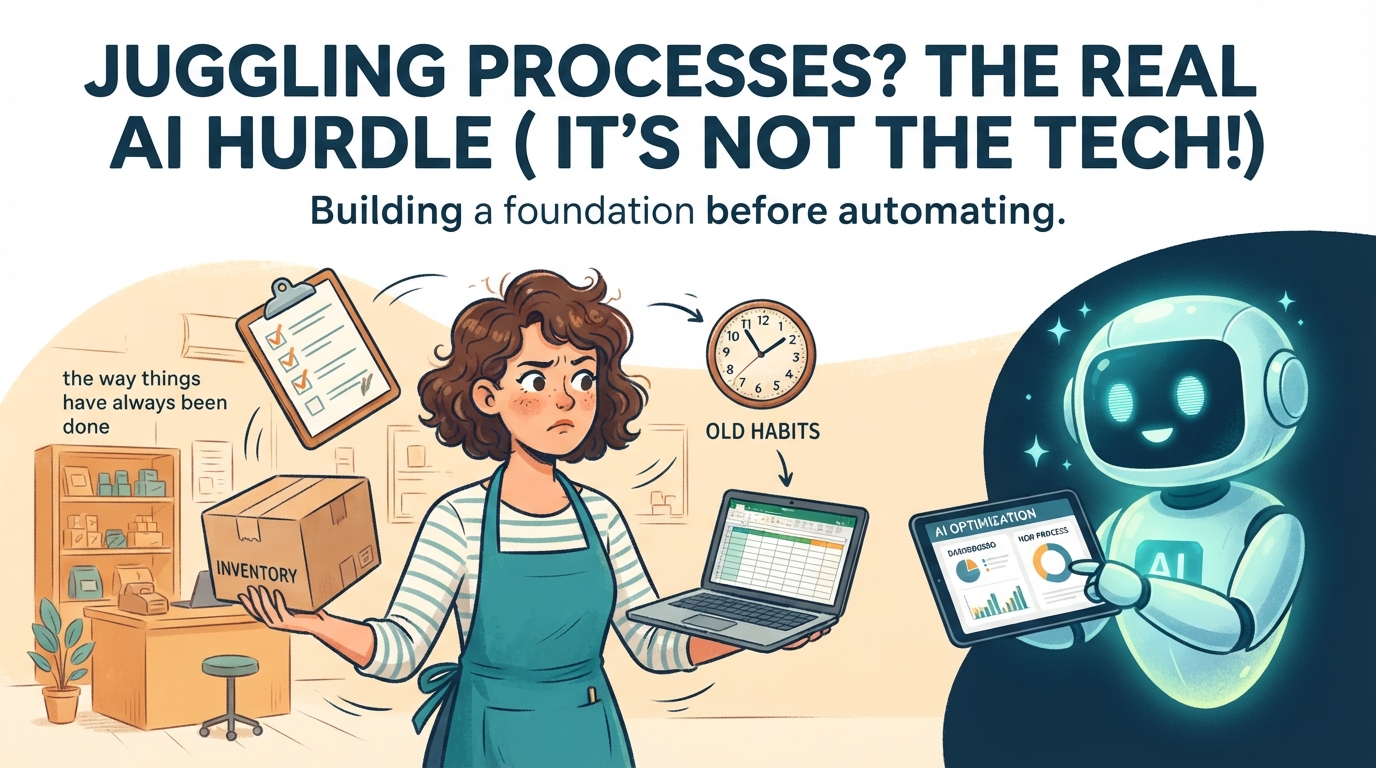
Running a small business means you're constantly juggling. You've got established routines, a way things have 'always been done,' and a team (even if it's just you) that's built muscle memory around those processes. The idea of introducing new technology, especially something as hyped as AI, can feel overwhelming. It often promises revolutionary change, but the reality is, it's tough to break ingrained patterns and retrain your thinking, let alone your team's.
From years of working with businesses like yours, I've seen firsthand that the biggest hurdles aren't the tech itself, but how we adapt to it. It's normal to fall back into old habits when things get busy or complex. My goal here isn't to sell you on every shiny new AI tool, but to offer a pragmatic, protective framework. We'll look at how AI can genuinely help your operations, but only after we've laid a solid, systemic foundation. Because you can't automate what you haven't first clearly defined.
Readiness Check
When you think about automating a key business process, which statement best describes your current situation?
A. The process is mostly in my head, or informally communicated. I just want a tool to 'do it better.'
B. We have some documented steps, maybe a checklist or a basic flow, but it's not fully comprehensive.
C. Our process is clearly mapped out, step-by-step, with defined inputs, outputs, and decision points.
Solutions by Implementation Level
1. The Daily AI Assistant: Boosting Communication & Idea Generation
Level: AI Literacy
This isn't about replacing you; it's about giving you a highly capable co-pilot for daily, repetitive mental tasks. Think drafting emails, summarizing lengthy reports, or brainstorming content ideas. Many small businesses spend hours on these tasks, and a good AI assistant can significantly reduce that cognitive load. It helps you articulate thoughts faster and process information more efficiently, freeing up your mental bandwidth for strategic decisions.
Implementation Details:
Timeline: 1-2 hours initial setup and learning
Cost: $20-$30/month (for a premium tier assistant)
ROI: Saves 5-10 hours/month on drafting, summarizing, and brainstorming = $150-$300/month savings (at $30/hr value)
Failure Rate: 10% if output isn't reviewed, 5% if used as a true assistant
Action Steps:
Sign up for a premium AI assistant (Claude is my preferred choice for its reasoning and safety).
Start with low-stakes tasks: draft a polite follow-up email, summarize a long article you need to read, brainstorm 5 social media post ideas for next week.
Critically review the AI's output. Edit it to reflect your voice and ensure accuracy. Never just copy and paste.
Recommended Tools:
Claude (by Anthropic) - $20-$30/month (Pro/Team tiers)
Protective Warning: The biggest mistake here is blindly trusting the AI. Always fact-check, review for tone, and ensure the output aligns with your brand and values. AI can 'hallucinate' or produce generic content if not prompted well or critically reviewed. Your human oversight is non-negotiable.
2. Streamlined Content & Internal Knowledge Automation
Level: Foundation
Beyond basic drafting, AI can help with more structured content generation (like first drafts of blog posts or social media captions) and, crucially, with internal knowledge management. Tools like Notion AI can summarize meeting notes, organize project updates, or even help structure your internal SOPs. This foundation level is about leveraging AI for specific, often repetitive content and information tasks, making your internal operations smoother and your team more informed without significant integration complexity.
Implementation Details:
Timeline: 4-8 hours for initial setup and template creation
Cost: $10-$50/month (often built into existing tools)
ROI: Saves 8-15 hours/month on content creation, meeting summaries, and knowledge organization = $240-$450/month savings
Failure Rate: 15% if templates aren't well-defined or information sources are messy
Action Steps:
Identify one repetitive content task (e.g., social media captions, short blog intros) or one area where meeting notes are consistently disorganized.
Choose a tool integrated with AI (e.g., Notion AI if you already use Notion, or a dedicated content AI tool like Headlime).
Create clear templates or prompts for the AI. For content, specify tone, keywords, and desired length. For summaries, specify what information is most critical.
Integrate the AI output into your existing review process. It's a first draft, not a final product.
Recommended Tools:
Protective Warning: Poor inputs lead to poor outputs. If your prompts are vague or your source material is unstructured, the AI will struggle. Invest time in creating good templates and clear instructions. Also, be mindful of data privacy if feeding sensitive internal information into public AI models.
3. Intelligent Workflow Connectors for Sales & Support Follow-ups
Level: Integration
This is where AI starts to connect your existing tools and automate multi-step processes. Instead of manually qualifying leads or crafting personalized follow-up emails, you can set up a system where AI analyzes incoming data (e.g., a form submission, a support ticket) and then triggers an action or drafts a highly customized response. This level requires a clear, documented process because the AI needs to understand the 'rules' for each step. It significantly reduces manual effort and can improve response times and personalization.
Implementation Details:
Timeline: 8-20 hours for initial build and testing (depending on complexity)
Cost: $50-$150/month (for integration platform + LLM API access)
ROI: Saves 20-40 hours/month on manual lead qualification, data entry, and personalized outreach = $600-$1200/month savings
Failure Rate: 25% if the underlying process isn't documented or if testing is insufficient
Action Steps:
Document your current process meticulously. For example, how do you currently qualify a new lead? What steps do you take after a customer support ticket is closed?
Identify the 'trigger' (e.g., new form submission, CRM status change) and the 'action' (e.g., update CRM, send email).
Use an integration platform (like Make.com or Zapier) to connect your tools. Add an AI module (using Claude's API) to analyze data or generate text between steps.
Test exhaustively with various scenarios. Monitor the results closely and iterate on your prompts and workflow rules.
Recommended Tools:
Make.com (Integrations) - $9-$29/month (core plans)
Zapier (Integrations) - $29-$79/month (starter plans)
Claude API (via Make/Zapier) - Usage-based, typically $1-$10/month for small volumes
Protective Warning: Trying to automate a chaotic or undefined process is a recipe for disaster. The AI will simply automate the chaos, leading to errors and frustration. Start with simple, well-understood workflows. Also, ensure you have a fallback for when the AI output isn't perfect, and always maintain human oversight, especially for critical customer communications. You're building a system, not a black box.
Real-World Example
Type: smart-no-go
Business: A local marketing agency (12 employees)
Situation: The agency was struggling with inconsistent client onboarding. Each new client involved a flurry of manual emails, document sharing, and scattered information gathering, leading to delays and missed steps.
Approach: Initially, they wanted to jump straight to an AI-powered onboarding chatbot that would guide clients through the process and collect information. However, before investing in the tech, they followed my advice to first document their ideal onboarding process, including every touchpoint, required document, and internal task. They mapped out decision trees for different client types and service packages.
Result: Through this documentation, they realized their current process was far more complex and varied than they thought. Only about 30% of the initial information gathering could be reliably automated by a simple chatbot. The rest required nuanced human interaction and complex internal coordination. Instead of a costly, ineffective chatbot, they instead built a series of automated email sequences (triggered by CRM stages) and developed internal checklists for their team, powered by a shared Notion database. They then used a basic AI assistant (Claude) to help draft personalized welcome messages and follow-up emails, saving about 15 hours per month in manual communication. The initial 'no-go' on the complex AI chatbot saved them an estimated $5,000 in development costs and countless hours of frustration.
Lesson: Documentation isn't just a prerequisite for automation; it's a powerful diagnostic tool. It reveals the true complexity of your operations and helps you identify what's actually automatable and what truly needs a human touch. Sometimes the smartest move is to not implement a technology, or to implement a much simpler version, after you truly understand your system.
Systems Thinking Insight
One of the toughest challenges in adopting new technology, especially AI, is confronting the 'ghosts in the machine' – those deeply ingrained systems and processes that operate almost unconsciously within your business. We all develop muscle memory for how we do things, whether it's processing an invoice, responding to a customer, or managing a project. These patterns become so second nature that we often don't even realize they're there, let alone how they might be inefficient or inconsistent.
This is why documentation isn't just a nice-to-have; it's the absolute bedrock of successful technology adoption. You cannot effectively automate what you haven't first made explicit. Trying to layer AI onto an undefined, informal, or inconsistent process is like trying to build a skyscraper on quicksand. It's not the AI that will fail; it's the lack of a clear system for the AI to follow. Acknowledging that falling into old patterns is normal and expected is the first step. The second is to deliberately 'unlearn' those patterns by articulating them, optimizing them, and then, and only then, considering how technology can enhance them.
Quick Wins
1. Document One Painful Process
Pick the single most annoying, repetitive, or error-prone task in your operations. Don't automate yet. Just write down every single step, decision point, and tool used. This clarity is invaluable.
Time: 1-2 hours
Cost: Free
Impact: Immediate clarity, identification of bottlenecks, foundation for future automation.
2. AI for Meeting Summaries
Use an AI tool (like Claude or Otter.ai) to record and summarize your next internal team meeting. This saves time on manual note-taking and ensures everyone gets the key takeaways.
Time: 15 minutes setup for a 1-hour meeting
Cost: Free (basic tiers) to $10/month
Impact: Improved information sharing, reduced administrative overhead.
Resource of the Day
Lucidchart (Free Tier) (Tool)
An excellent visual tool for mapping out your business processes, workflows, and systems. The free tier is perfect for documenting your first few processes before you even think about automation.
Cost: Free
Link: Access Resource